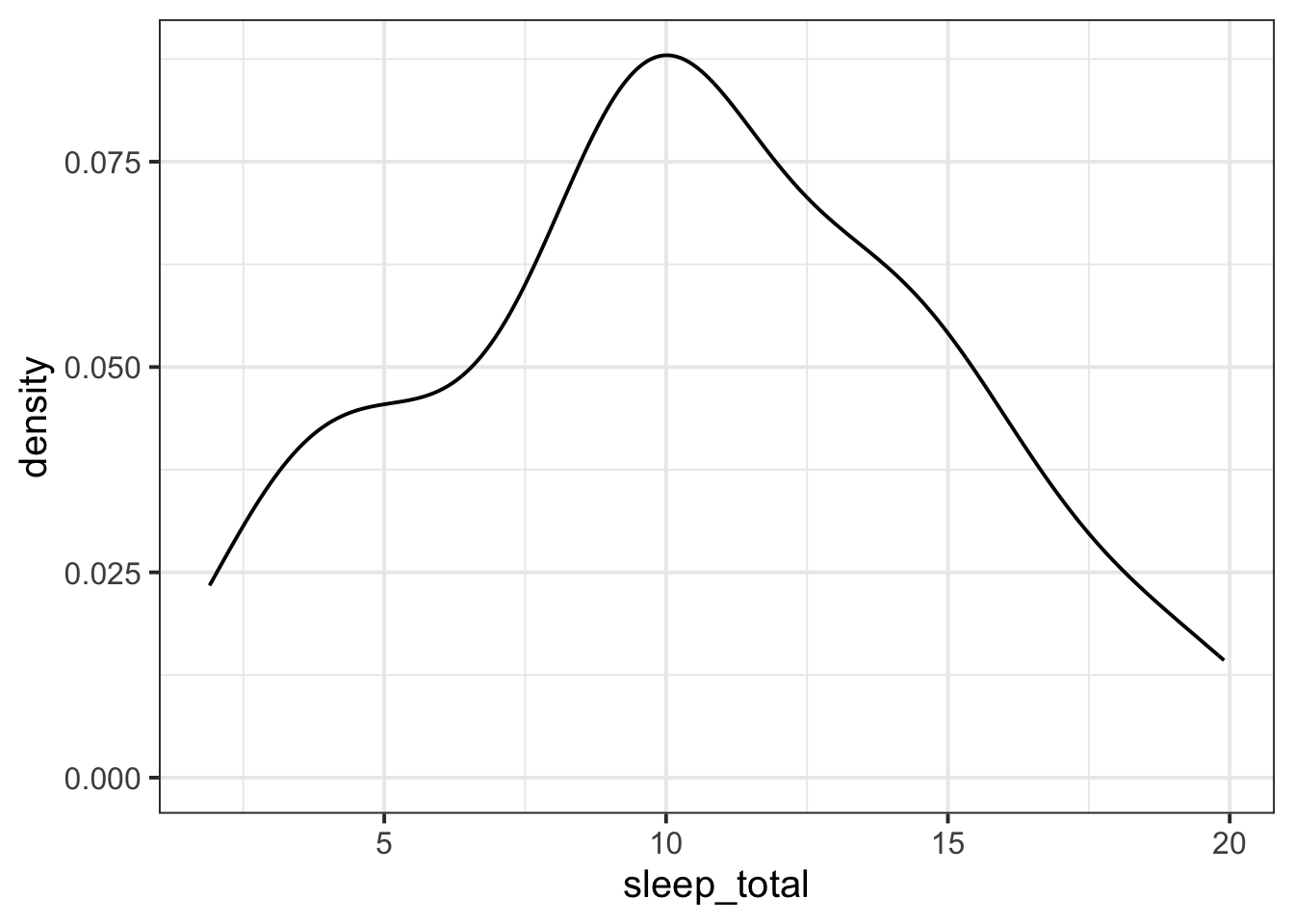
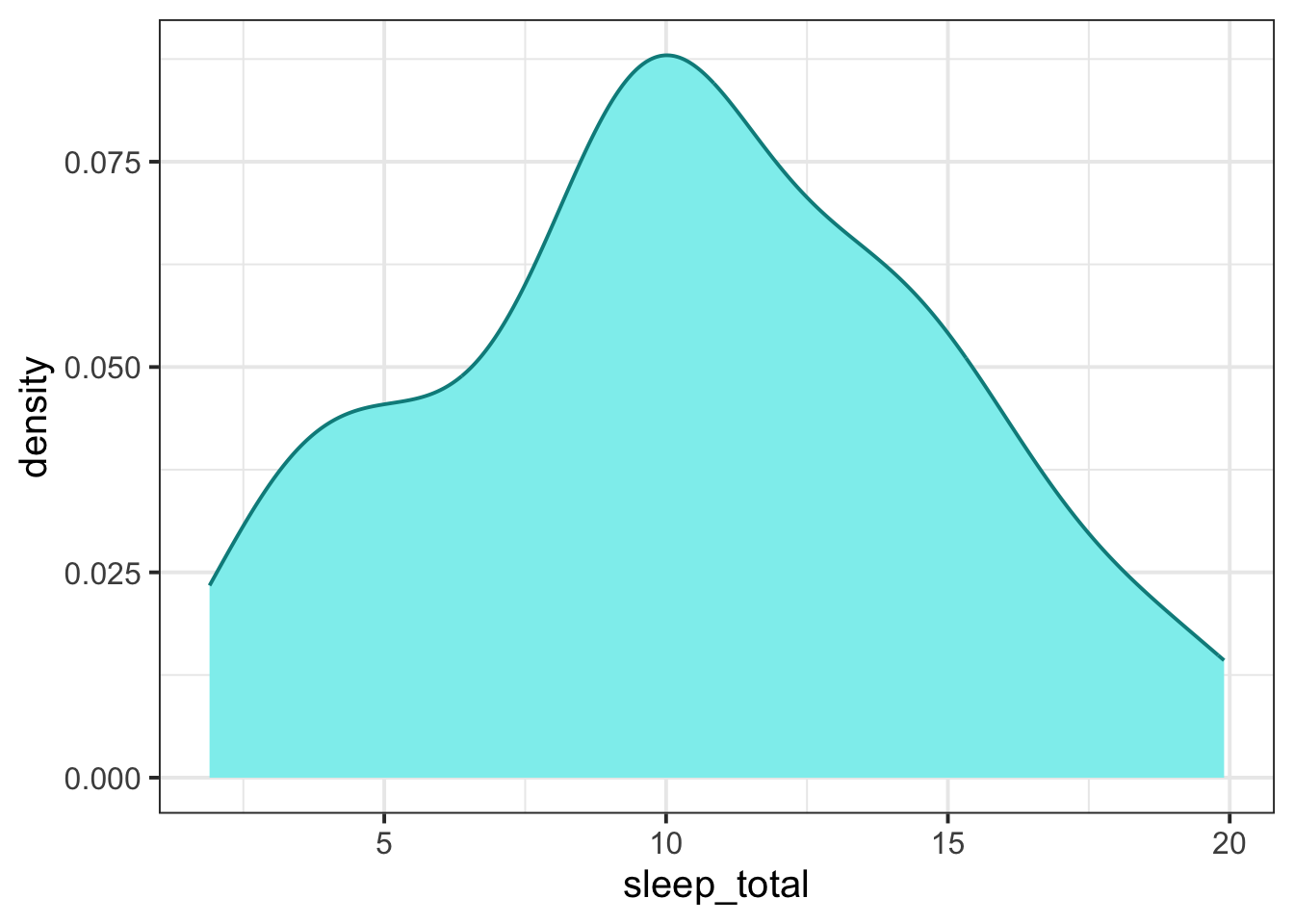
To make density plots, we will use the ggplot() function from tidyverse.
We’ll make the plot using the msleep dataset that comes from tidyverse. msleep contains some data about how much different kinds of mammals sleep. Here’s what the first few rows of msleep look like.
msleep |>head()
# A tibble: 6 × 11
  name    genus vore  order conservation sleep_total sleep_rem sleep_cycle awake
  <chr>   <chr> <chr> <chr> <chr>              <dbl>     <dbl>       <dbl> <dbl>
1 Cheetah Acin… carni Carn… lc                  12.1      NA        NA      11.9
2 Owl mo… Aotus omni  Prim… <NA>                17         1.8      NA       7
3 Mounta… Aplo… herbi Rode… nt                  14.4       2.4      NA       9.6
4 Greate… Blar… omni  Sori… lc                  14.9       2.3       0.133   9.1
5 Cow     Bos   herbi Arti… domesticated         4         0.7       0.667  20
6 Three-… Brad… herbi Pilo… <NA>                14.4       2.2       0.767   9.6
# ℹ 2 more variables: brainwt <dbl>, bodywt <dbl>
A density plot is essentially a smoothed-out histogram.